

Passwords have been the standard way to prove who you are online for decades, but they are hard to manage and easy to steal. People reuse them, forget them and give them away to convincing phishing pages. Passkeys, a newer sign-in method supported by major platforms and a growing number of websites, aim to solve these problems.
What Is a Passkey?
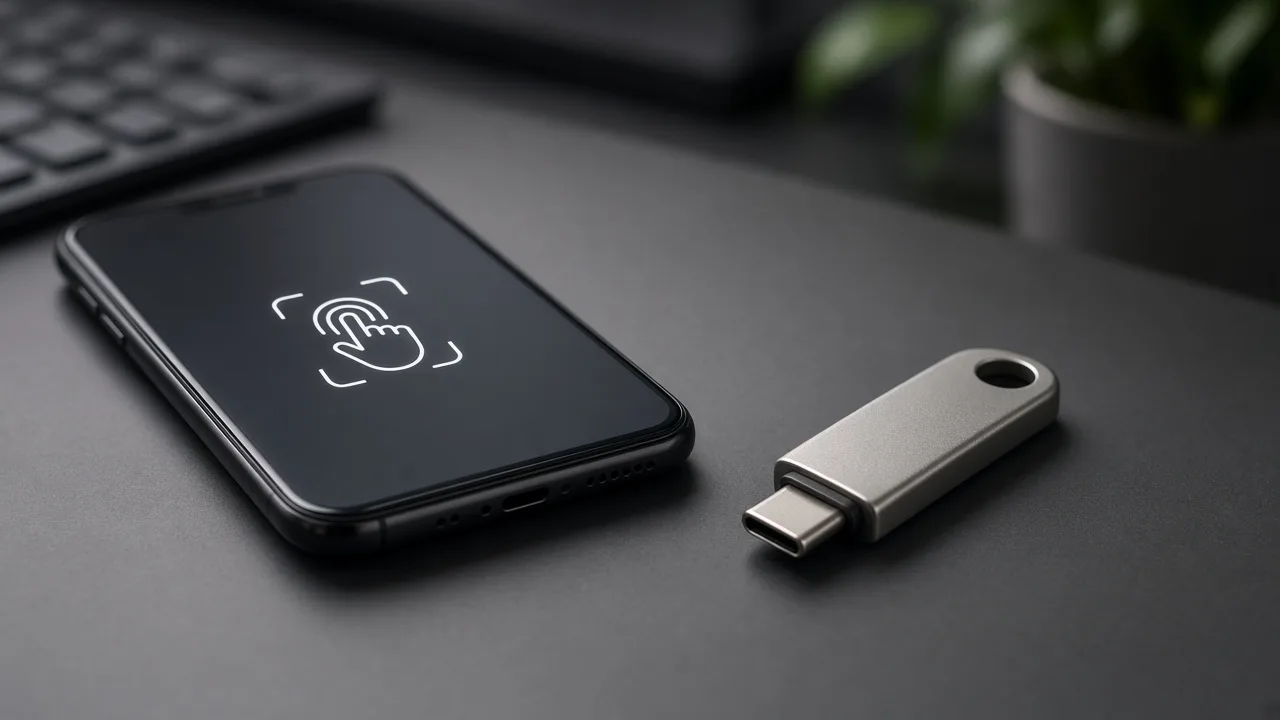
A passkey is a digital credential tied to your device and your account. When you create one, your device generates a pair of cryptographic keys. The public key is stored by the website, while the private key stays on your device, protected by your fingerprint, face scan or device PIN. To sign in, your device uses the private key to prove it is you, and no shared secret is sent across the internet.
Why Passkeys Are Harder to Phish
Phishing works by tricking people into entering a password on a fake site. A passkey is bound to the real website's domain, so your device will not offer it to a look-alike page. Because there is no password to type, there is nothing for an attacker to capture on a fake login form, and a data breach at a service exposes only public keys that cannot be used to sign in.
How Passkeys Are Stored and Synced
Passkeys can be stored on a phone, a computer or a security key. Many platforms and password managers can sync passkeys across your devices through an encrypted account, so that a new phone can access the credentials you created earlier. This convenience matters because it addresses the problem of losing access when a device is lost.
How to Start Using Passkeys
- Look for a prompt such as "Create a passkey" in the security settings of services you use.
- Start with important accounts such as email, banking, shopping and cloud storage.
- Keep a backup way to recover your account, such as recovery codes stored securely.
- Secure your devices with a strong screen lock, since it protects your passkeys.
Limits to Keep in Mind
Not every site supports passkeys yet, so you will still need strong, unique passwords for some accounts, ideally stored in a password manager with multi-factor authentication turned on. Account recovery processes can remain a weak point, so review them carefully. If someone has access to your unlocked device, they may be able to use your passkeys.
The Bottom Line
Passkeys are not magic, but they remove the most common weaknesses in password-based sign-in. As support expands, they are becoming one of the simplest and most effective security upgrades for everyday users.
Comments are closed.