
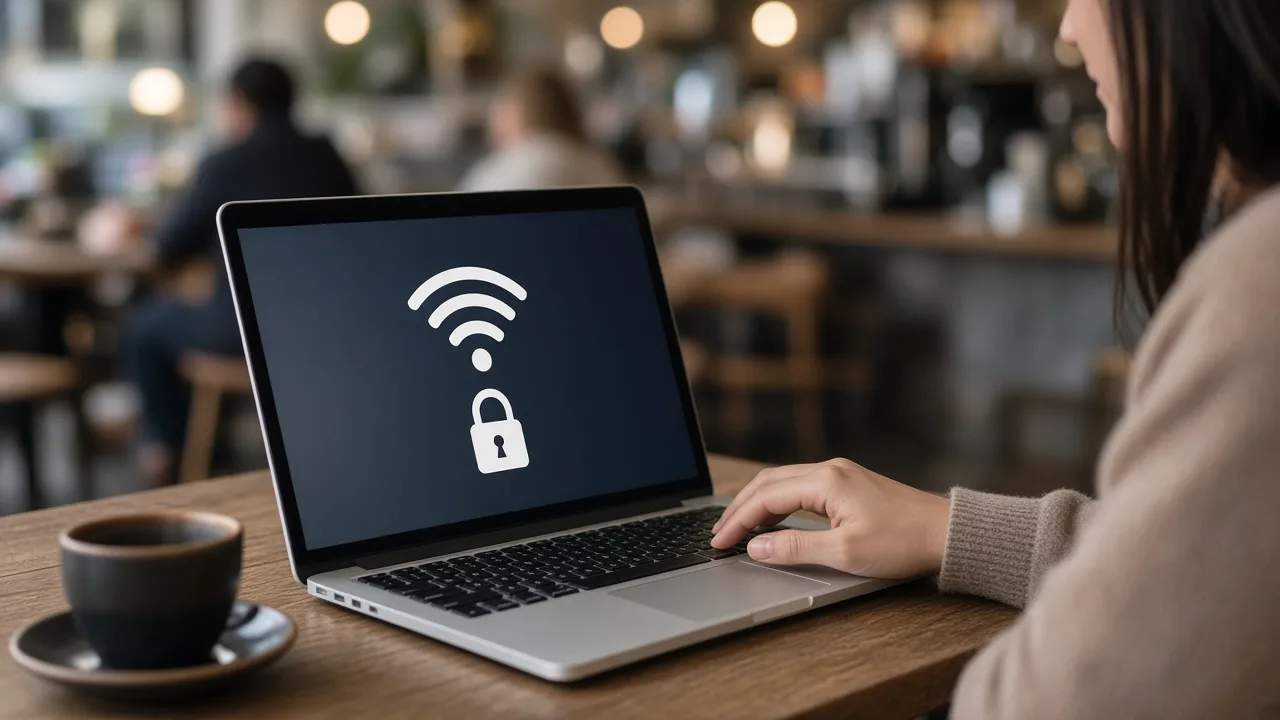

Free Wi-Fi is convenient at cafes, airports, hotels and libraries, but shared networks carry risks that home connections do not. Most of today's websites use encryption, which has made casual snooping much harder. Even so, there are still good reasons to be careful.
What Can Go Wrong
- Fake hotspots. An attacker can create a network with a believable name, such as one resembling a nearby cafe's. Devices that connect may route all of their traffic through a system the attacker controls.
- Traffic interception. On an unsecured network, anyone nearby with the right tools may see unencrypted traffic. HTTPS protects the content of most pages, but not everything is protected equally.
- Captive portal tricks. A sign-in page that asks for more information than usual, such as a payment card or a password for an unrelated service, is a red flag.
- Exposed devices. Sharing and discovery features can make a laptop visible to other users on the same network.
Habits That Help
- Confirm the network name with staff before connecting.
- Look for HTTPS on every site where you log in or enter personal information. Modern browsers warn about insecure pages.
- Turn off automatic connection to open networks and disable file sharing on your device.
- Keep software updated. Browsers, operating systems and apps receive security fixes that close known weaknesses.
- Use two-factor authentication so a stolen password is not enough to take over an account.
Should You Use a VPN?
A reputable VPN encrypts the traffic between your device and the VPN provider, which can reduce exposure on untrusted networks. It does not make you anonymous, and it shifts trust to the provider, so choose one with a clear privacy policy and independent reviews. Avoid free VPN apps that earn money by collecting data.
A Safer Alternative
For sensitive tasks such as banking, using your phone's cellular connection or a personal hotspot is usually safer than an open network. If you travel frequently, a mobile hotspot or a data plan that supports tethering may be worth the cost.
Special Cases: Travel and Remote Work
Travelers and remote workers face higher exposure because they rely on hotel, airport and coworking networks. Consider carrying a portable hotspot, using a work-provided VPN and separating work and personal devices where possible. Hotel networks sometimes share one connection among all guests, so devices on the same network can be reachable by others. Keep your firewall enabled and confirm that your device treats the network as public rather than trusted.
Quick Checklist Before You Connect
- Verify the network name and password with staff.
- Make sure your operating system and browser are up to date.
- Confirm that two-factor authentication is on for important accounts.
- Avoid entering payment or banking details unless necessary.
- Disconnect and forget the network when you are finished.
After You Connect
Log out of accounts when you are done, forget the network in your device settings and be wary of certificate warnings. If a browser says a site's certificate is invalid on a network that previously worked, do not click through. That warning can be a sign of tampering.
Public Wi-Fi does not have to be avoided entirely. With sensible precautions, you can check email, read the news and do routine work while keeping your most sensitive activity off shared networks.
Comments are closed.