
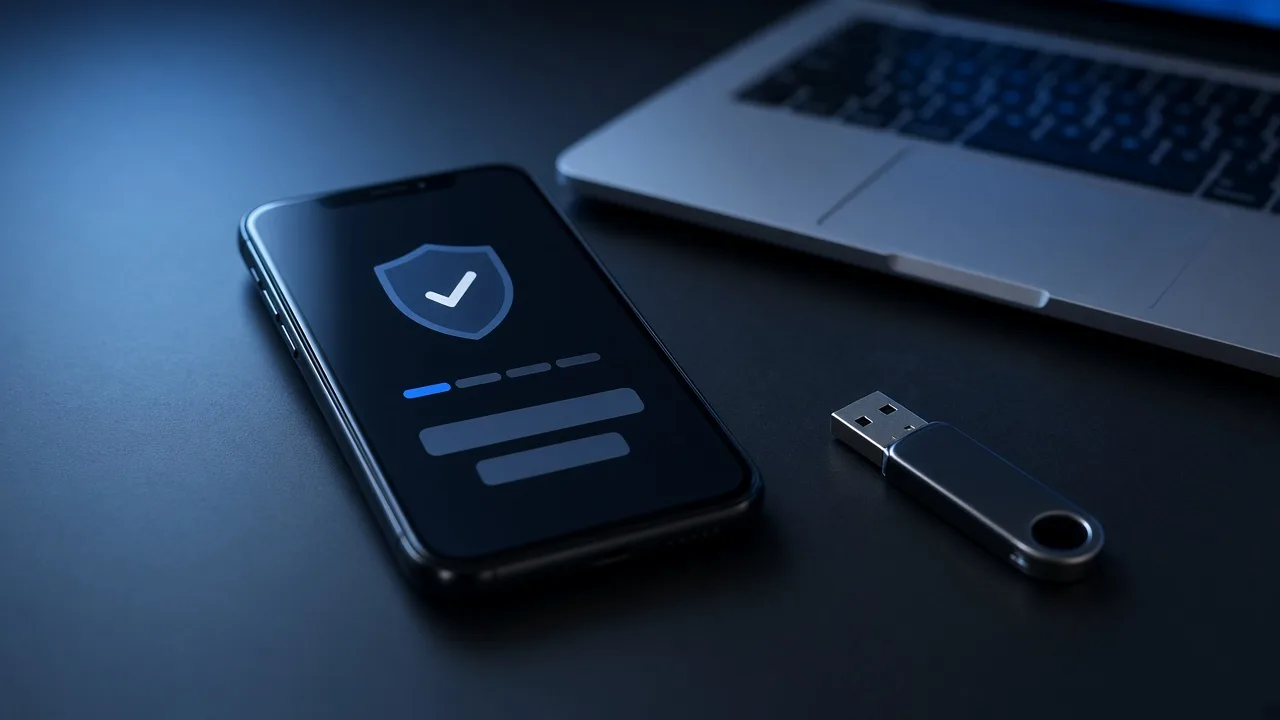

Passwords alone are no longer enough to protect important accounts. Data breaches, phishing and password reuse mean that a stolen password can often be used to log in from anywhere. Two-factor authentication, also called 2FA or multi-factor authentication, adds a second proof of identity so that a password by itself is not sufficient. Not all second factors are equally strong, so it helps to understand the options.
The Idea Behind 2FA
Authentication relies on something you know, something you have and something you are. A password is something you know. A second factor might be something you have, such as a phone or security key, or something you are, such as a fingerprint. Combining factors makes it much harder for an attacker who has only one of them.
SMS Text Codes
Receiving a code by text message is the most familiar method and is far better than no second factor. Its weakness is that phone numbers can be hijacked through SIM-swap fraud, and messages can sometimes be intercepted or tricked out of users. Treat SMS as a baseline when nothing better is offered.
Authenticator Apps
Authenticator apps generate short-lived codes on your device, based on a secret shared at setup. Because the code does not travel over the phone network, it avoids many SMS risks. A drawback is that a phishing page can still ask you for the code and relay it to the real site in real time.
Push Approvals
Some services send a prompt to your phone asking you to approve a login. This is convenient, but attackers sometimes flood users with prompts hoping that one will be approved by mistake. Services that require you to match a number shown on the login screen reduce that risk.
Hardware Security Keys and Passkeys
Security keys that support modern standards such as FIDO2 are generally considered the strongest widely available option. They verify the website's real address as part of the login, so a look-alike phishing page cannot successfully capture the credential. Passkeys, which can be stored on your devices and unlocked with a fingerprint, face scan or PIN, use similar cryptography and are increasingly offered as a convenient alternative.
How to Choose
- Turn on 2FA first for email, banking, password managers, cloud storage and social media, because these accounts can reset others.
- Prefer security keys or passkeys when a service supports them.
- Use an authenticator app when keys are not available.
- Use SMS only if it is the sole option.
Common Attacks That Target Second Factors
Attackers adapt to security measures. Real-time phishing sites relay codes entered by victims, social engineering can persuade help desks to reset accounts and malware on a device can steal session cookies after login. Stay alert to unexpected prompts, never share a code with anyone who contacts you, and treat any message urging you to read out a code as a scam. Where a service lets you view active sessions, review them periodically and sign out of devices you do not recognize.
Do Not Skip Recovery Planning
Save backup codes in a safe place and register more than one method where possible. If you lose a phone, the backup method will be the difference between a quick recovery and a lockout. Keep recovery email addresses and phone numbers up to date.
No second factor is perfect, but any is a substantial improvement over a password alone. Choosing the strongest method each service supports is a small habit that pays off every day.
Comments are closed.